
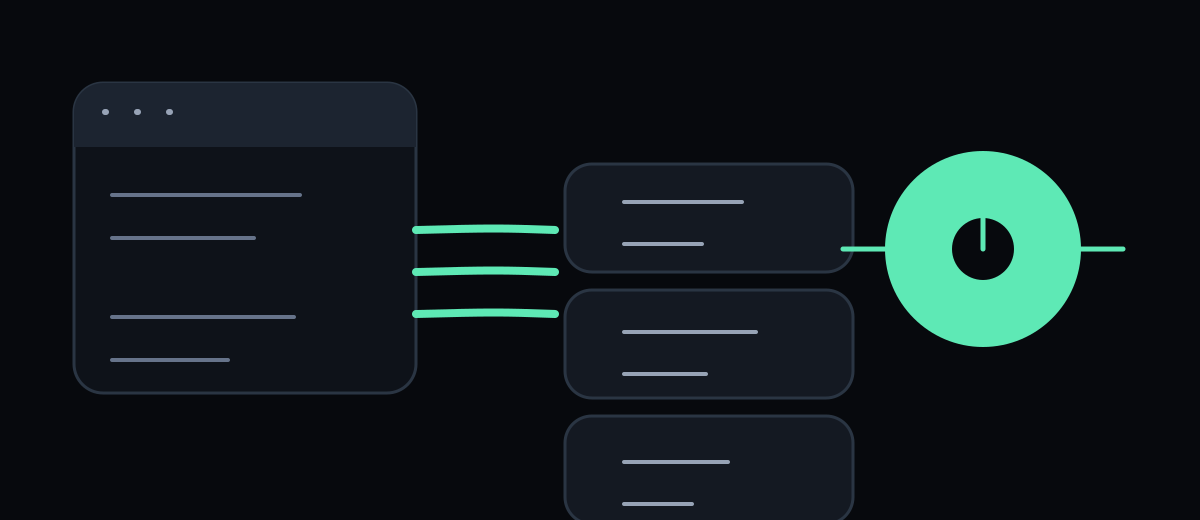
WebMCP, short for Web Model Context Protocol, is a proposed browser API for
exposing web application functionality as structured tools to AI agents. Instead
of asking an agent to infer which button to click, a page can declare a tool
such as search-products, filter-results or start-booking, together with a
description and an input schema.
The distinction is important: WebMCP is still an evolving Web Machine Learning Community Group draft, not a finished W3C Recommendation. Chrome’s documentation describes it as a proposed web standard and currently offers an origin trial and a local testing flag. Treat the API as an experiment that needs feature detection, progressive enhancement and a migration plan.
The short answer: WebMCP gives agents a page-level tool surface
A normal browser agent sees a human interface. It reads the DOM, interprets labels, clicks controls, types values and observes the result. That process can work, but every step contains ambiguity: a visual icon may have no useful accessible name, a date picker may hide its state, and a button may trigger an action whose consequences are not obvious from its text.
WebMCP lets the page describe a more explicit interaction surface. The agent can discover the active tools, read their structured schemas, send arguments and receive a result from code running in the page. Chrome’s WebMCP guidance frames this as improving the reliability and efficiency of agent actuation, while keeping the action inside the website and visible to the user.
That claim has a boundary. WebMCP can reduce ambiguity in a supported browser-agent workflow; it does not guarantee that every agent will discover or call a tool correctly. The client must implement the API, the user must be on the page, and the tool must accurately represent the current application state.
WebMCP is not the same as a remote MCP server
The names overlap, but the deployment model is different:
| Technology | Where it runs | Main discovery question |
|---|---|---|
| Remote MCP server | A server or local process | Which server and tools should the client connect to? |
ai-catalog.json | A publisher-hosted catalog | Which agent capabilities does this publisher expose? |
| WebMCP | The active web page and browser | Which tools can this page expose right now? |
An AI Catalog article describes discovery across published capabilities. WebMCP focuses on in-page interaction. A product can use both: the catalog can point to a remote service, while the product page can expose browser-local tools for search, configuration or checkout assistance.
WebMCP also does not replace HTML forms, accessibility semantics, server authorization or backend APIs. Its design is closer to a progressive enhancement layer: a human can still use the form when the agent API is unavailable, while a compatible agent receives a clearer tool contract.
Two ways to expose a tool
Chrome’s current documentation describes two API styles.
Imperative tools for application logic
JavaScript can register a tool with a name, description, JSON Schema input and
an execution callback. The current draft uses document.modelContext:
const modelContext = document.modelContext;

if (modelContext) {
  await modelContext.registerTool({
    name: 'search-products',
    description: 'Search the current product catalogue by query and category.',
    inputSchema: {
      type: 'object',
      properties: {
        query: {
          type: 'string',
          description: 'Product or problem to search for.',
        },
        category: { type: 'string', description: 'Optional product category.' },
      },
      required: ['query'],
    },
    execute: async ({ query, category }) => {
      const results = await searchProducts({ query, category });
      renderResults(results);
      return { results };
    },
  });
}
The useful unit is not “a button with an AI label”. It is a user goal with a typed input, a bounded side effect and a result the agent can interpret. Register tools according to the active state and permissions of the page, and unregister or update them when those conditions change.
Declarative tools for ordinary forms
The declarative API adds WebMCP annotations to standard HTML forms and fields. A simplified pattern looks like this:
<form
  toolname="search-products"
  tooldescription="Searches the product catalogue."
  toolautosubmit
  action="/search"
>
  <input
    name="query"
    toolparamdescription="Product or problem to search for."
  />
  <button type="submit">Search</button>
</form>
This approach is attractive for content-heavy or form-driven sites because the human path remains a real form submission. It is not enough for every application: complex client-side state and multi-step workflows still need imperative tools or carefully designed forms.
When WebMCP is useful
Good candidates have a clear user goal, structured inputs and a visible result:
- searching a catalogue with filters;
- filling a support or application form;
- selecting dates, passengers or configuration options;
- running a read-only diagnostic;
- preparing a booking or order for human review.
Do not begin with “expose the whole app”. A small tool such as
find-appointments is easier to describe, test and secure than a generic
run-javascript escape hatch. The tool description should say what it does and
when to use it; the schema should encode required fields and the callback should
enforce the same rules on the server.
The current limitations
Chrome’s documentation calls out several constraints: WebMCP is primarily
designed for browser workflows with a human in the loop; highly complex
interfaces may need refactoring; and a client must visit the page to discover
its tools. Cross-origin iframe exposure is controlled by the tools Permissions
Policy and is not enabled indiscriminately.
The standards status is another limitation. Names, lifecycle details, permission behaviour and output validation may change as the draft and browser implementation evolve. Pin test environments, feature-detect the API, and avoid presenting a WebMCP prototype as a cross-browser production guarantee.
A sensible adoption sequence
- Pick one high-friction user journey with a measurable completion outcome.
- Write the human workflow and backend authorization rules first.
- Add a declarative tool if the journey is a standard form; otherwise define one narrow imperative tool.
- Test discovery, invalid input, loading state, failure state and confirmation with the Chrome inspector.
- Compare agent-assisted completion with the ordinary human path, including abandonment and incorrect actions.
- Keep the page usable when WebMCP is unavailable, then revisit the API as the draft changes.
WebMCP is best understood as an interaction contract between a page, a browser agent and the user. It can make an existing web journey more legible to an agent, but it cannot repair unclear product rules, weak accessibility, missing authorization or a backend that returns ambiguous results.
Resources
- WebMCP on Chrome for Developers — current overview, APIs, origin trial, testing flag and limitations.
- WebMCP specification repository — evolving Web Machine Learning Community Group draft and explainer.
- WebMCP draft specification — normative draft source for the browser API surface.
- WebMCP tool security — permissions, hints and tool-description budgets.
- What is
ai-catalog.json? — the related article about publisher-level capability discovery.
The next article, How to build a WebMCP tool, turns these concepts into an implementation and testing workflow.