
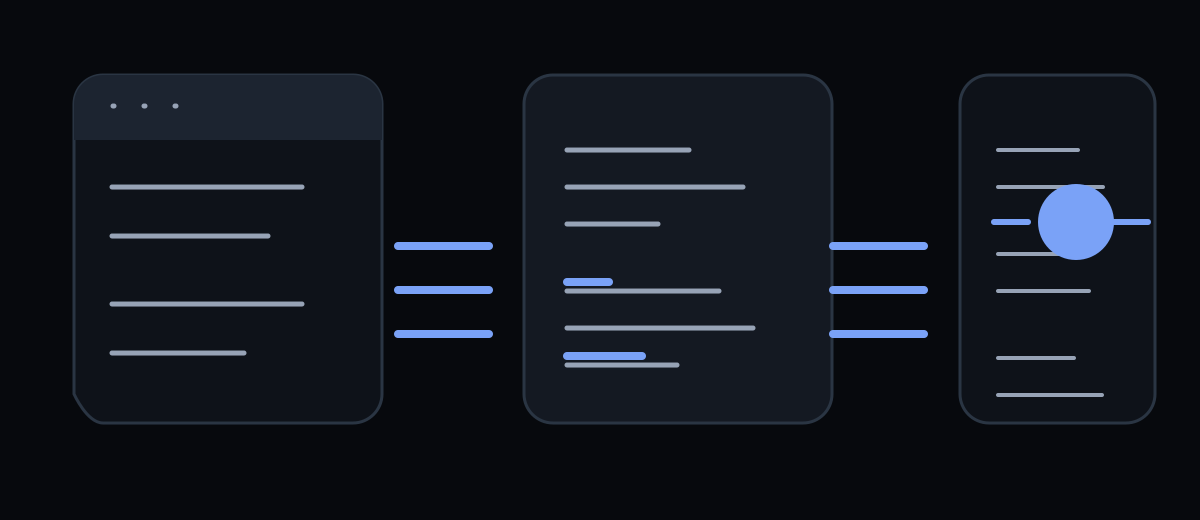
The fastest way to build a WebMCP prototype is not to expose every function in an application. Choose one user journey, describe its inputs precisely, connect it to the existing page logic and test what happens when the agent sends incomplete or unsafe data.
WebMCP is an evolving browser proposal. The current Chrome documentation
describes an imperative JavaScript API and a declarative API for HTML forms,
while the draft specification uses document.modelContext. Build behind feature
detection and keep a normal human path available.
Start with a user goal, not an internal function
An internal function such as loadData() is usually too broad to be a useful
agent tool. A tool should map to a user goal: “find appointments for next
Tuesday”, “search products under a budget” or “prepare a support request”. The
goal gives the description a natural boundary and gives the evaluation a
measurable outcome.
Write the contract before code:
Name: find-appointments
Purpose: Find available appointment slots for a service and date range.
Required input: service, startDate
Optional input: endDate, location
Side effect: none; read-only
Result: a short list of available slots with stable identifiers
Failure: invalid date, no availability, or service unavailable
This is an evidence block for implementation: the claim is that the tool can complete one task; the supporting evidence is the input/output contract and an executable test; the condition is that availability is read-only and the page has loaded the relevant account context. If a tool cannot state those boundaries, it is not ready to expose.
Use the imperative API for dynamic interfaces
The imperative API is the better fit when the tool needs client-side state, custom validation or a multi-step UI. A minimal registration pattern is:
const modelContext = document.modelContext;

if (!modelContext) {
  return;
}

const inputSchema = {
  type: 'object',
  properties: {
    service: {
      type: 'string',
      description: 'The service the user wants to book.',
    },
    startDate: {
      type: 'string',
      description: 'Start date in YYYY-MM-DD format.',
    },
  },
  required: ['service', 'startDate'],
  additionalProperties: false,
};

await modelContext.registerTool({
  name: 'find-appointments',
  description: 'Find read-only appointment slots for a service and date.',
  inputSchema,
  annotations: {
    readOnlyHint: true,
  },
  execute: async ({ service, startDate }) => {
    const slots = await fetchSlots({ service, startDate });
    return {
      slots: slots.map(({ id, start, end }) => ({ id, start, end })),
    };
  },
});
The names and exact fields of an evolving draft may change, so treat this as a current implementation pattern rather than a timeless copy-and-paste contract. Pin the browser version used by your test suite and check the official draft before shipping.
The callback should return a compact, structured result rather than a full HTML fragment or an unbounded database response. Render the same result in the visible UI so the user can inspect what the agent found. Keep the server-side endpoint authoritative: client-side schema validation improves the interaction, but it is not an authorization boundary.
Use the declarative API for ordinary forms
For a search, contact request or application form, start with the existing HTML. A declarative WebMCP form can add a tool name, description and parameter descriptions while retaining a normal submission path:
<form
  toolname="submit-support-request"
  tooldescription="Prepare a support request with the user's issue and contact email."
  toolautosubmit
  method="post"
  action="/support"
>
  <label>
    Issue
    <textarea
      name="issue"
      required
      toolparamdescription="A concise description of the problem."
    ></textarea>
  </label>
  <label>
    Email
    <input
      name="email"
      type="email"
      required
      toolparamdescription="The address the support team should use to reply."
    />
  </label>
  <button type="submit">Send request</button>
</form>
The form remains valuable even when WebMCP is absent: keyboard users, screen-reader users and ordinary browsers still have a visible control flow. The server must still validate CSRF, authentication, rate limits, input shape and authorization. A WebMCP annotation is a discovery hint, not a security feature.
Keep tool descriptions within useful budgets
Chrome’s security guidance currently recommends short descriptions and outputs: up to 500 characters for a tool description, 150 for a parameter description, 30 for names and about 1.5K for an individual output. These are implementation recommendations, not universal protocol limits, and may change.
Use a description that answers three questions:
- What does this tool do?
- When should an agent use it?
- What does it return or change?
“Searches the product catalogue by keyword and category, then updates the visible result list” is more useful than “Product tool”. Avoid placing hidden policy, secrets or long workflow instructions in descriptions. Long instructions increase context cost and create another surface for prompt injection.
Model state explicitly
A tool is only safe when the page state it reads is clear. Decide whether it uses the current account, selected workspace, locale, cart, filters or permissions. If the user changes workspace, unregister the old tool or make the new context explicit in the result. If a tool is available only after login, do not register it on the anonymous page and rely on the callback to fail later.
For a multi-step flow, expose meaningful steps rather than a generic action:
search-flights— read-only search;select-flight— select a stable offer identifier;prepare-booking— build a reviewable draft;confirm-booking— consequential action requiring an explicit user decision.
This separation makes tool choice and confirmation easier to test. It also prevents a harmless search from being confused with a booking operation.
Test with an agent-shaped matrix
Do not test only the happy path. Run at least these cases:
| Case | Expected result |
|---|---|
| Complete valid input | Tool executes and visible UI matches the structured result |
| Missing required field | Tool rejects or asks for the missing value; no side effect |
| Wrong type or invalid format | Validation error; no network mutation |
| No results | Short, explicit empty result with next useful option |
| Backend timeout | Recoverable error; user can retry manually |
| Logged-out or wrong workspace | Access is denied before private data is returned |
| Consequential action | Human confirmation is required before mutation |
Use Chrome’s Model Context Tool Inspector where available to inspect registered tools, call them manually and verify that JSON Schema, results and errors are understandable. Also keep browser-level tests for the ordinary form path; a tool test cannot replace accessibility and functional testing for humans.
Ship as a progressive enhancement
Feature-detect the API and load registration code only when the page can support it. Do not remove buttons, labels or server routes because a browser agent is present. Release one tool to a controlled audience, record discovery and completion errors, and recheck the current WebMCP draft before expanding the surface.
The implementation is complete when three things agree: the human workflow, the tool contract and the server’s authorization rules. If they disagree, the agent will not be the only confused participant.
Resources
- WebMCP on Chrome for Developers — imperative and declarative APIs, permissions policy and testing.
- WebMCP tool security — hints, origin exposure and recommended character budgets.
- WebMCP specification repository — current draft examples and best practices.
- WebMCP explained — the first article in this series.
The final article, WebMCP security and SEO, covers trust boundaries, prompt injection, progressive enhancement and what WebMCP can and cannot change about search visibility.